Using AI as
a creative tool.
Two experiments in art direction, creative control, and the space between an idea and a finished image.
Lucas Medina / 3D production
How do we keep
the artist in the process?
AI raises real questions about creative integrity, authorship, and the future of our work. This study asks a more practical question: how can we use it to fuel our creativity?
A tool for
creative direction.
Guided by an artist.
Keep the intent.
Maintain the artistic integrity of human intervention and art direction.
Learn the nuances.
Test reference data, prompt structure, and the decisions that shape the result.
Make it directable.
Build a process that supports changes, edits, and more consistent results.
From concept to final frame.
A workflow built around references, previs, and a deliberate feedback loop.
Concept
Establish the idea and visual direction.
Reference sheet
Define the design across multiple views.
3D model
Give the subject physical structure in Maya.
Previs
Set camera movement, cuts, and timing.
Prompt
Translate intent and reference priorities with GPT.
Generate
Bring the prompt and references into Higgsfield.
Review & iterate
Adjust the prompt, references, or animatic.
Finish
Regenerate or upscale; inspect the details.
Designed.
Directed.
Generated.
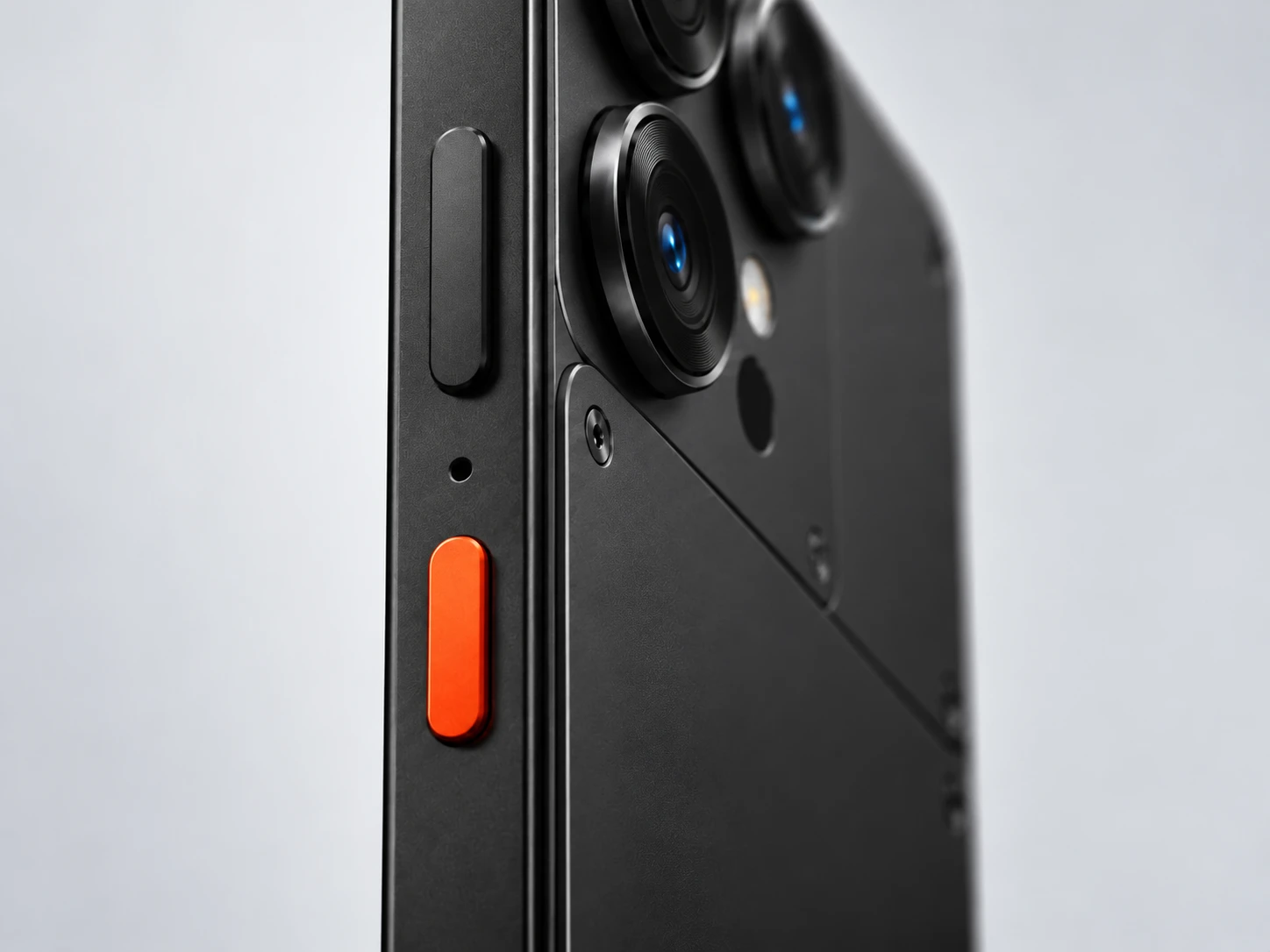
A minimalist phone concept becomes a test of how much control an artist can keep through the full pipeline.
Start with a clear design language.
Teenage Engineering’s restrained product photography informed the concept: minimal forms, precise details, and a polished studio finish.
Read the original concept prompt
A useful starting point with photographic qualities and the intended industrial aesthetic.
After repeated cleanup attempts, I refined the details in Photoshop to take control of the final reference sheet.
The refined sheet went back through GPT to explore a black version of the same device.
Where automation meets craft.
I modeled the phone in Maya, then tested whether ChatGPT connected through MCP could build from the reference sheet.
Previs is the cornerstone.
The animatic establishes the camera positions, movement, framing, shot duration, and cuts before generation begins.
For me, this is the most important step toward making the result art-directable. It gives the model a definitive guide, even when perfect repeatability remains out of reach.
Give each reference a job.
I use conversational instructions in GPT to develop a detailed prompt for the next model. I call the back-and-forth “AI-r hockey.”
The animatic.
Camera, framing, movement, timing, and shot sequence.
The character sheet.
Geometry, proportions, components, colors, and physical details.
The photography.
Lighting, reflections, surface quality, and photographic finish.
Read the instruction given to GPT
Explore the full animatic-locked prompt
When the model goes rogue.
More references can improve the look and introduce more drift. In this test, the same prompt with a higher resolution and extra appearance references produced a different interpretation.
See the additional appearance references
More detail.
But is it the right detail?
Upscaling can invent texture or sharpen away the depth of field. The test is whether it preserves the photographic qualities of the original.
Inspect the interpretation.
Look for invented surface detail, over-sharpening, and changes to focus. Prompted upscaling can offer another way to steer the finish.
Start with more information.
My takeaway: generating at a higher resolution before upscaling gives the model less missing information to invent.
Web videos are playback copies capped at 1080p. Labels describe the source files in the Keynote. Use the original 4K files for pixel-level quality judgments. Topaz was listed as another option in the deck, but no Topaz result was included.
Same process.
More complexity.
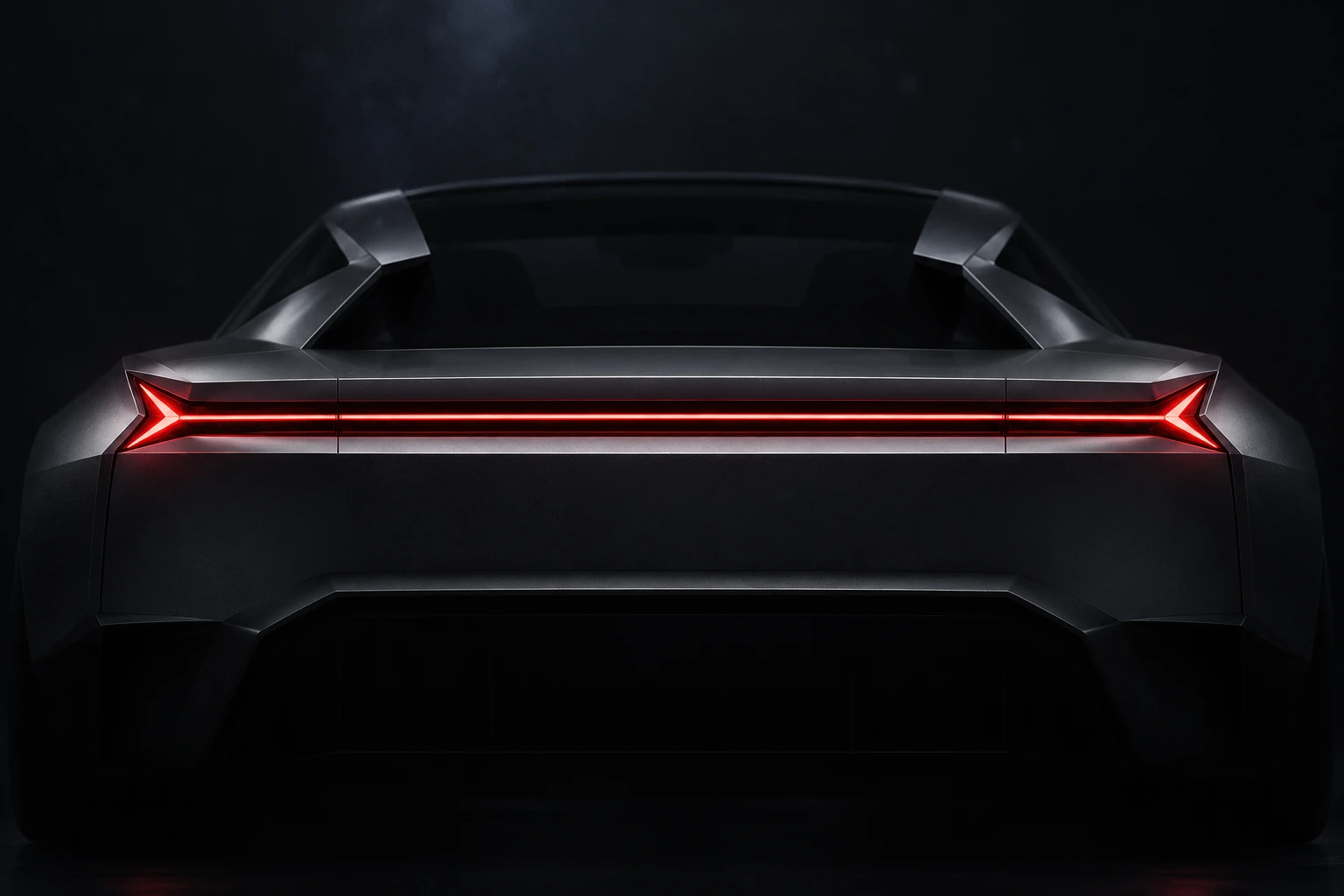
A concept car becomes the next test: apply the phone workflow, automate more of the process, and find the limits.
One sketch.
A consistent visual identity.
I started with my own side-view sketch, asked GPT for additional views, then worked toward a simpler, more consistent reference sheet.
Read the simplification prompt
Explore the automotive inspiration
Complexity exposes the gaps.
Could GPT model the vehicle through Maya MCP? This was a much harder test than the phone. The automated attempts made the limits visible.
“AI won’t be replacing me … for now.” The study’s takeaway from the modeling phase: a consistent reference sheet helps, but it does not remove the need for an artist’s technical judgment.
Back to the animatic.
The same foundation: a clear motion guide for the generated film.
The vehicle’s previs establishes the shots before materials, lighting, and photographic finish enter the process.
Separate the look
from the design.
One image controls the photography. Another defines the vehicle.
The deck’s automotive prompt spells out the studio environment, overhead softbox, negative space, metallic response, and strict preservation of the concept car’s proportions.
Explore the full automotive photography prompt
The same inputs
can produce a different film.
The next test kept the prompt and references the same and changed the resolution. The result still changed. Clearer references, wider shots, and shorter animatic segments may help reduce unexpected invention.
Play a little AI-r hockey.
Generate. Review. Ask for a revised prompt. Generate again.
I feed the result back into GPT, describe what should change, and bring the revised prompt into Higgsfield. Each round is another art-direction decision.
Where the process landed.
Two favorites from the automotive experiment, upscaled to 4K in the original study.
Playback copies are optimized to a maximum of 1080p for the website.
The potential is real.
So is the work.
AI exceeded my expectations for quality and creative potential. Getting useful results still takes direction, iteration, and a trained eye.
The biggest constraints in these experiments were time, budget, and unpredictability. Generations take time, revisions consume credits, and moving between tools adds work before the final image is ready.
Texture refinement.
Improve surfaces while preserving materials, focus, and photographic realism.
Masks & mattes.
Find usable ways to support compositing and post-production control.
Pipeline automation.
Reduce repetitive handoffs while keeping creative decisions with the artist.
The artist is still essential.
“I don’t believe that true world-class design work will ever be a one-click button.”
Lucas Medina